
- Working prototype
- Wiki-style knowledge
- Interactive quizzes
Wiki & quizzesRead. Try. Understand.
A working prototype that connects a wiki-style knowledge base, short quizzes and clear explanations.
ReApptor connected searchable knowledge, short quizzes and explanatory feedback in one learning prototype. Readers find a topic, try their understanding and return to earlier attempts. The author maintains lessons and questions in a local editor. Built around Hannu Penttinen / Medaser Oy’s educational material.
- Suomi (Finnish)
- English (English)
- Svenska (Swedish)
ReApptor can build multilingual workflows for teams and customers working across markets!
Case overview
Business problem
Make knowledge easy to find and use
Expert material needs a clear route from a question to an explanation. Learners should be able to find a relevant topic, try their understanding and return without losing their place. The author needs a way to maintain the same content and exercises.
One place to read, practise and understand
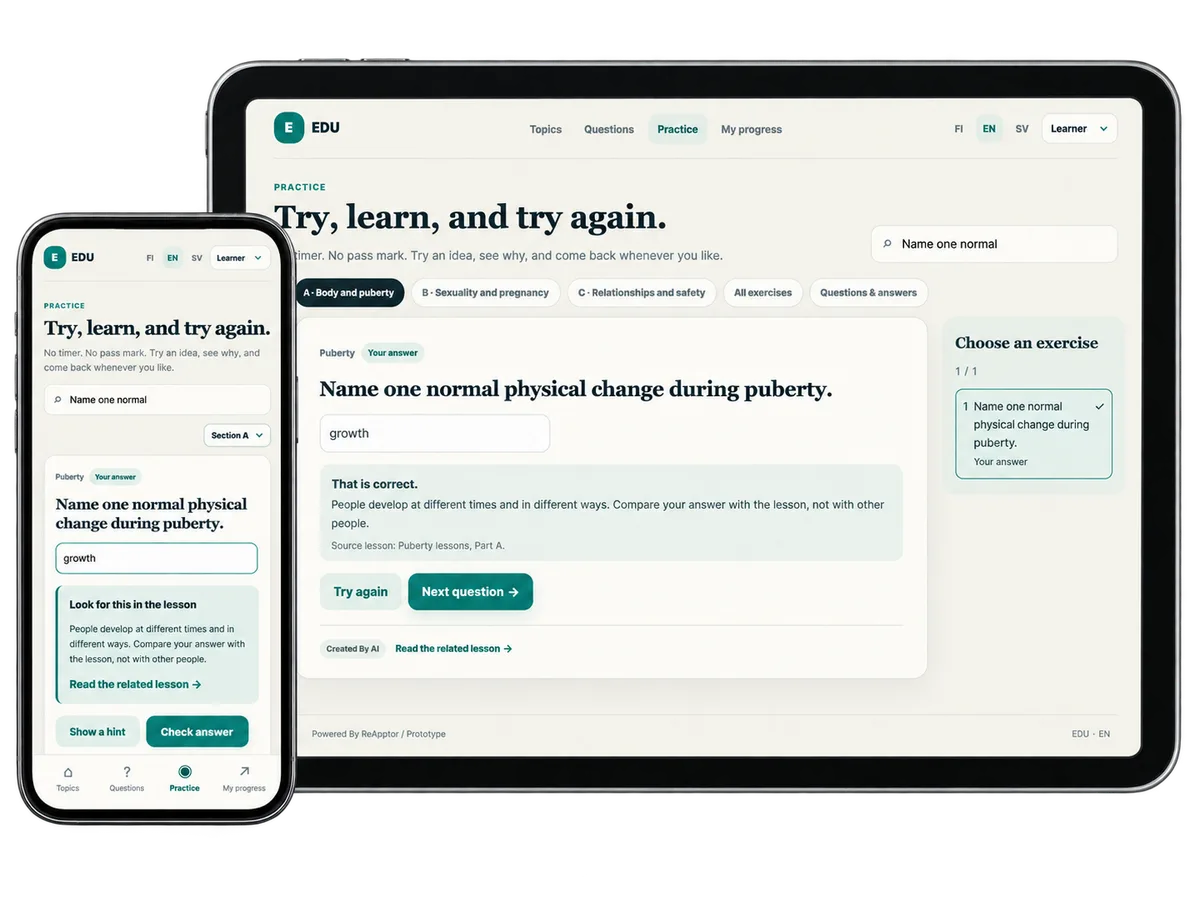
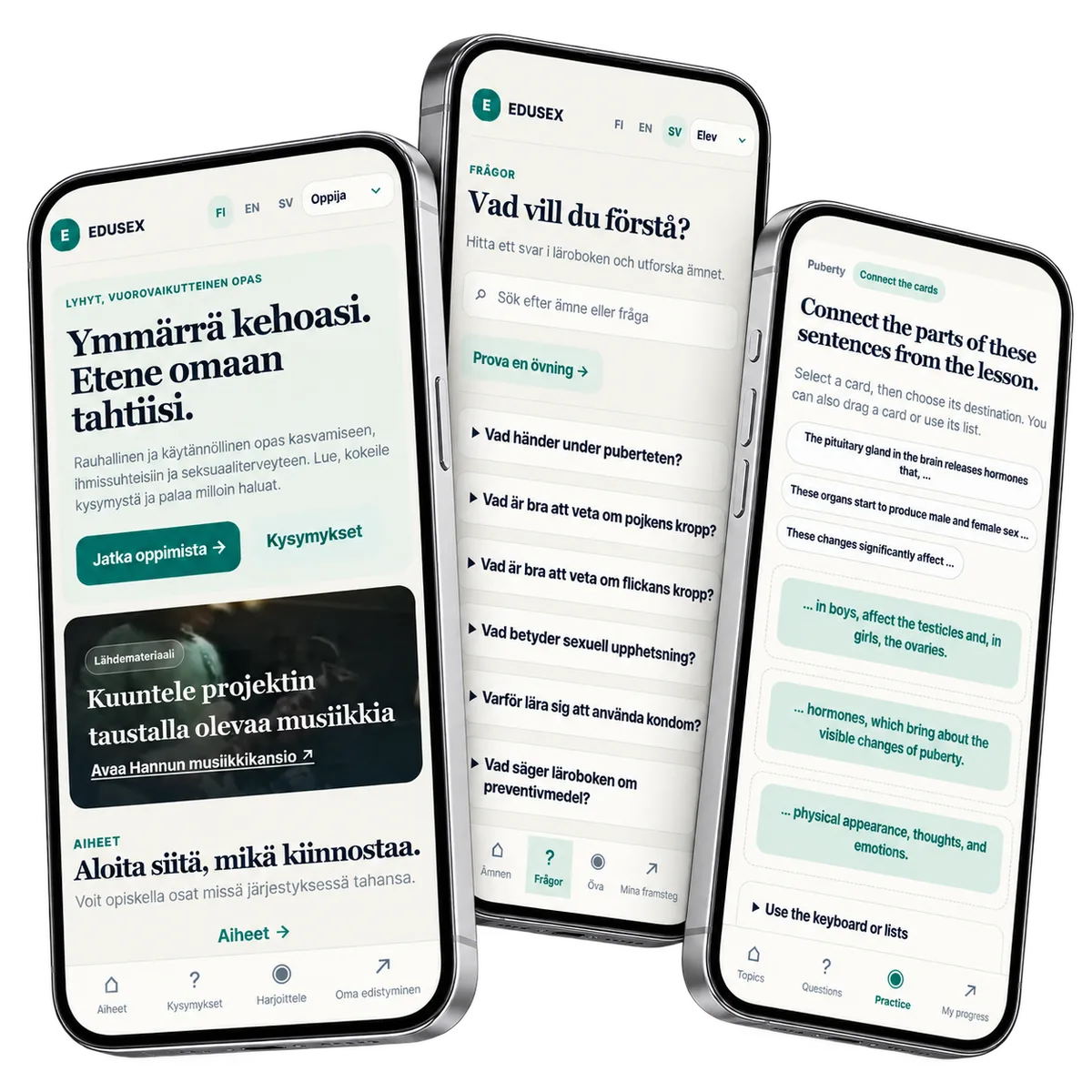
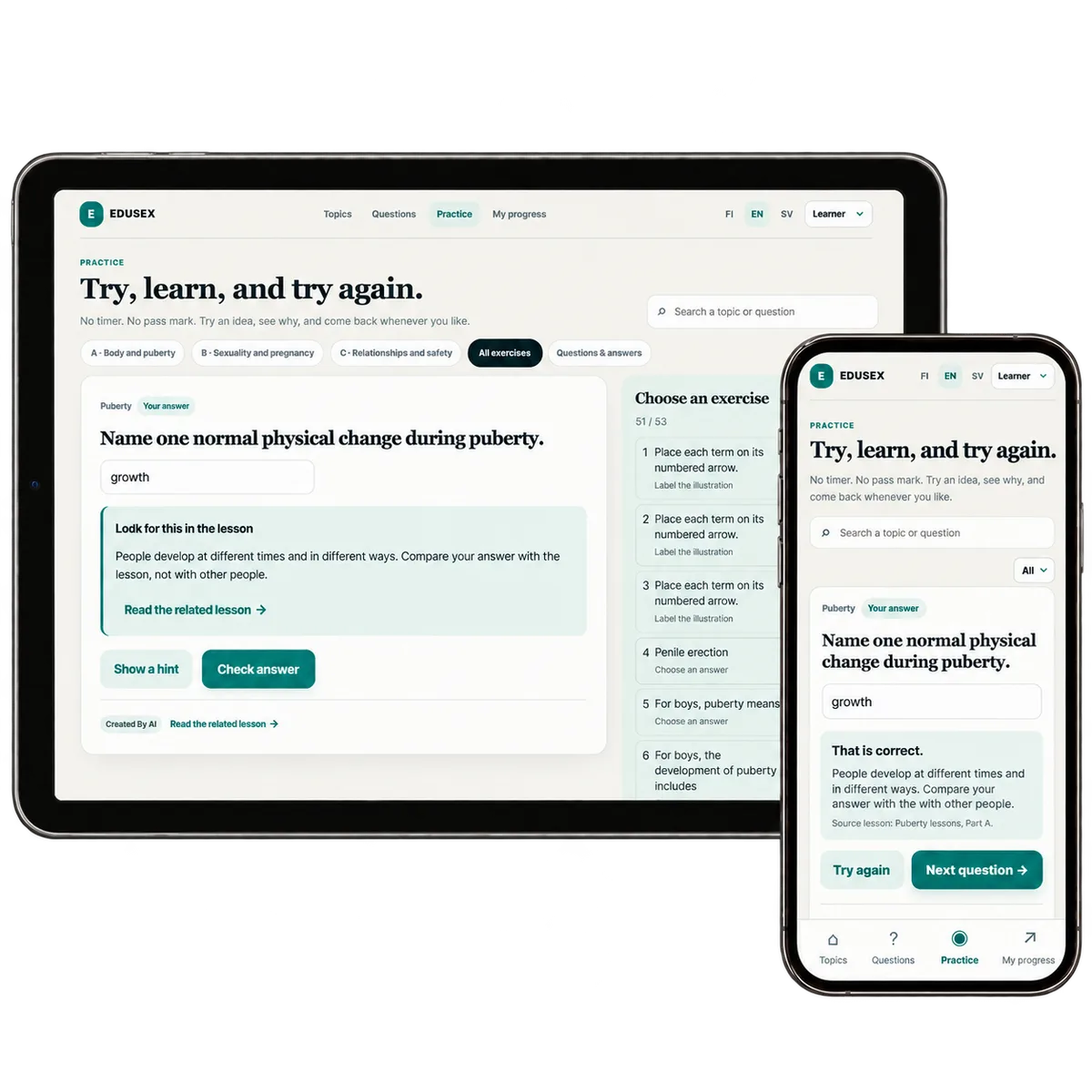
ReApptor connected topic articles, prepared answers and interactive quizzes in one self-contained prototype. Hints and feedback lead back to the lesson; saved attempts let learners return. The local author editor keeps the same articles, questions and explanations together.
Screenshots and media
Screenshots and media
Product capabilities
What customers and teams can do
Find the knowledge you need
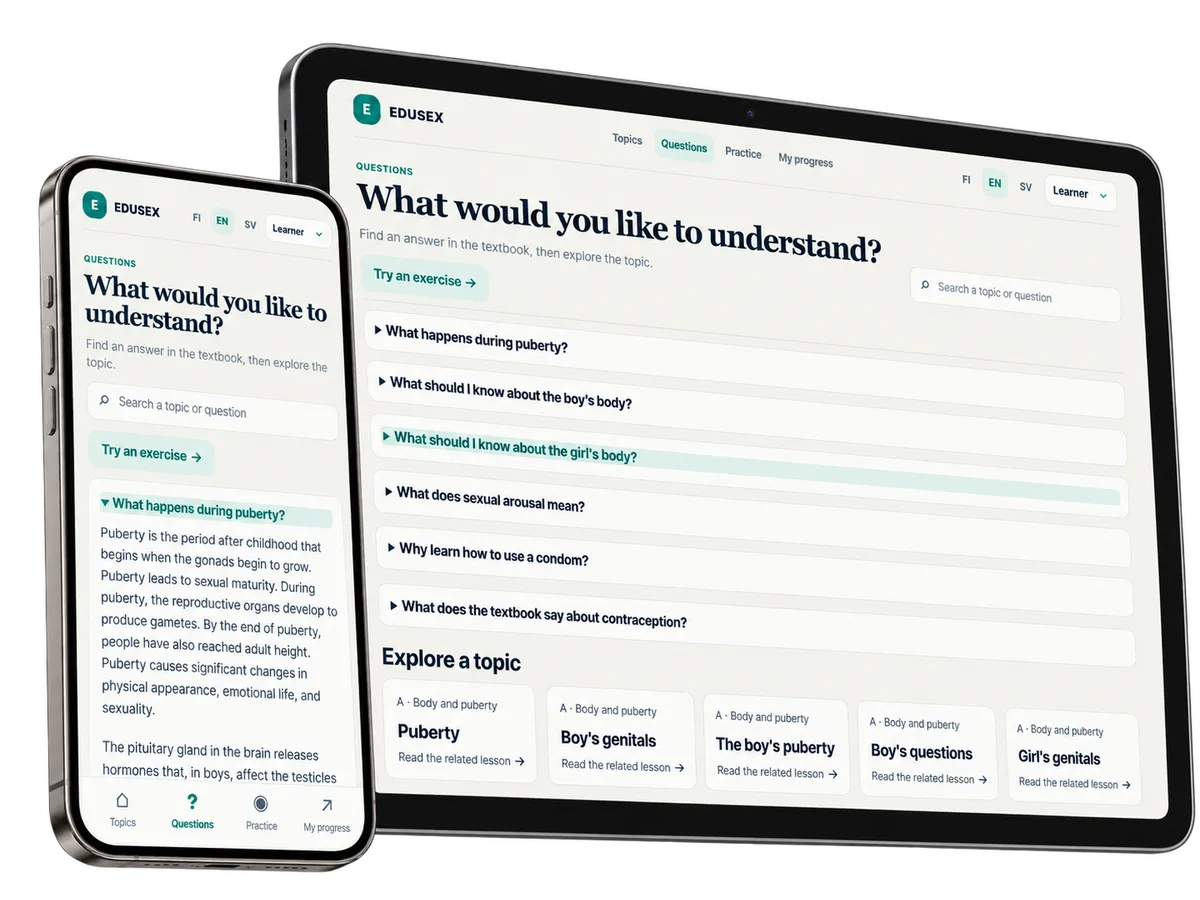
Choose a topic or open a prepared answer linked to the textbook. Reading and practice stay connected, with a clear route back to the lesson.
Turn reading into a quiz
Connect cards, choose an answer or write your own. Hints and feedback explain the result and link back to the lesson, so learners can understand and retry.
Keep your place
Reading progress, attempts and the last position stay in the same browser. The learner can revisit a saved result and continue at their own pace.
Let the author maintain it
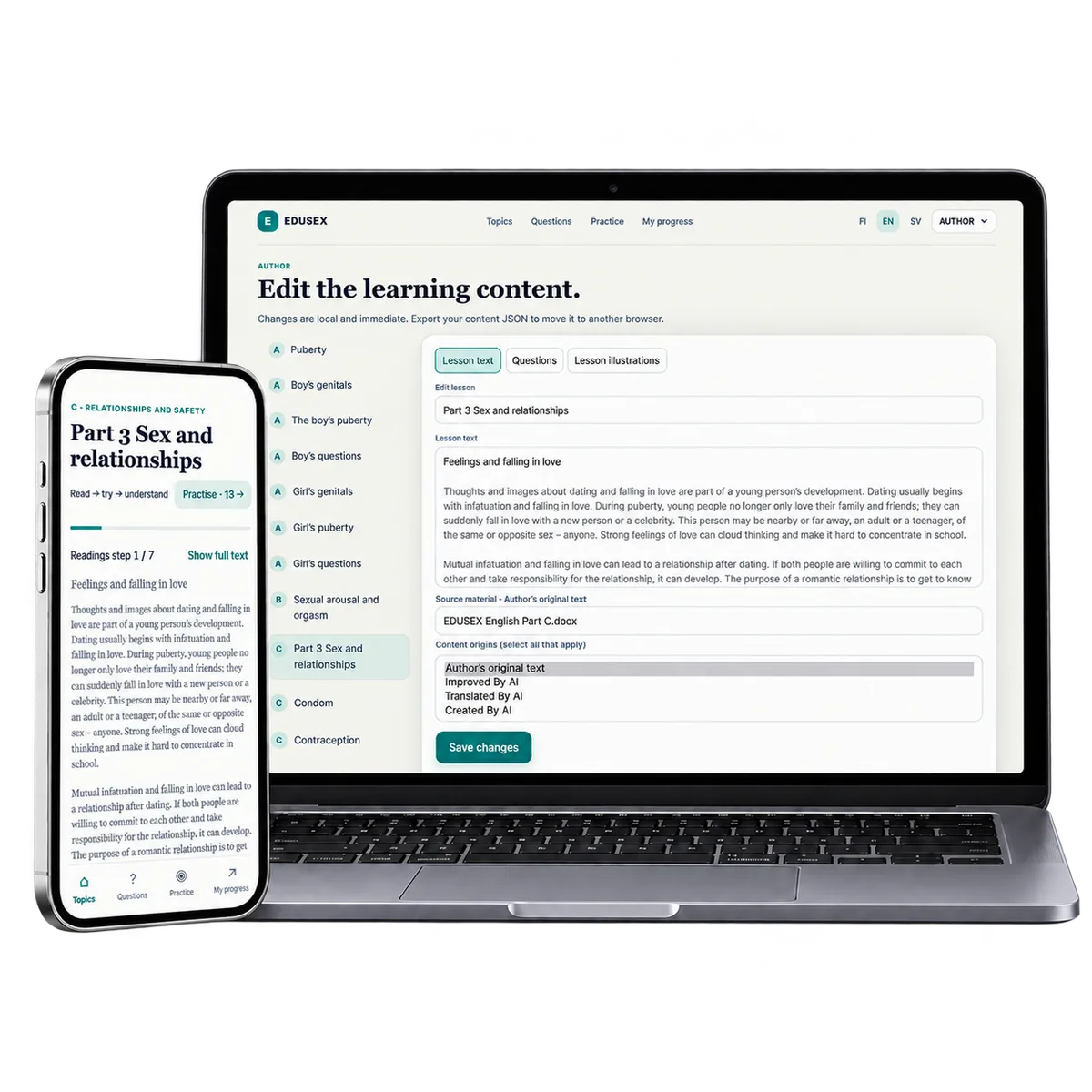
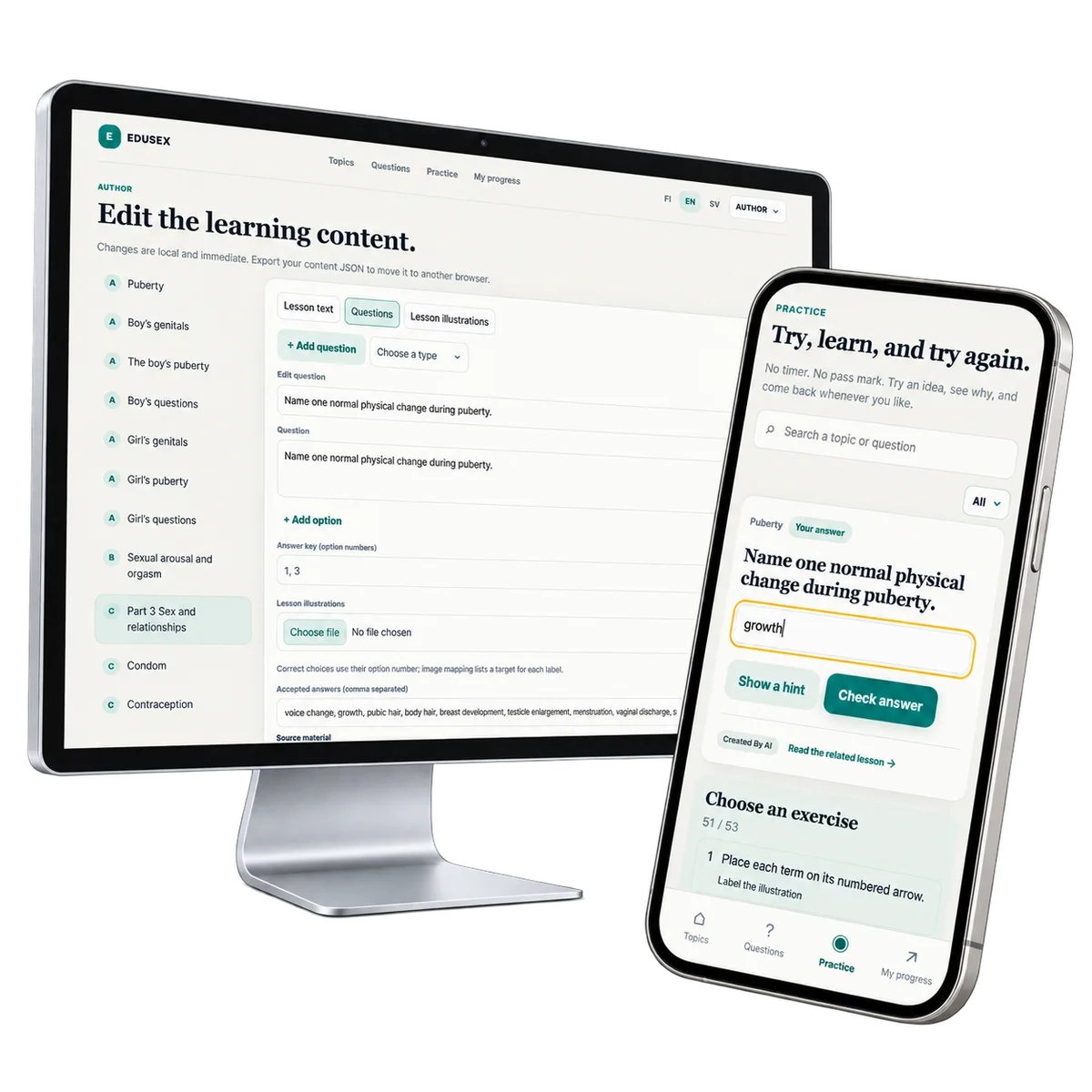
Edit lesson text, questions and illustration labels, then check the learner view. Local changes travel as a content file that can be imported into the prototype.
Give your expertise an interactive form
Have a textbook, training guide or subject experts with something worth teaching? Let’s discuss a focused prototype that makes the reading, exercises and author workflow tangible.
Discuss your learning idea